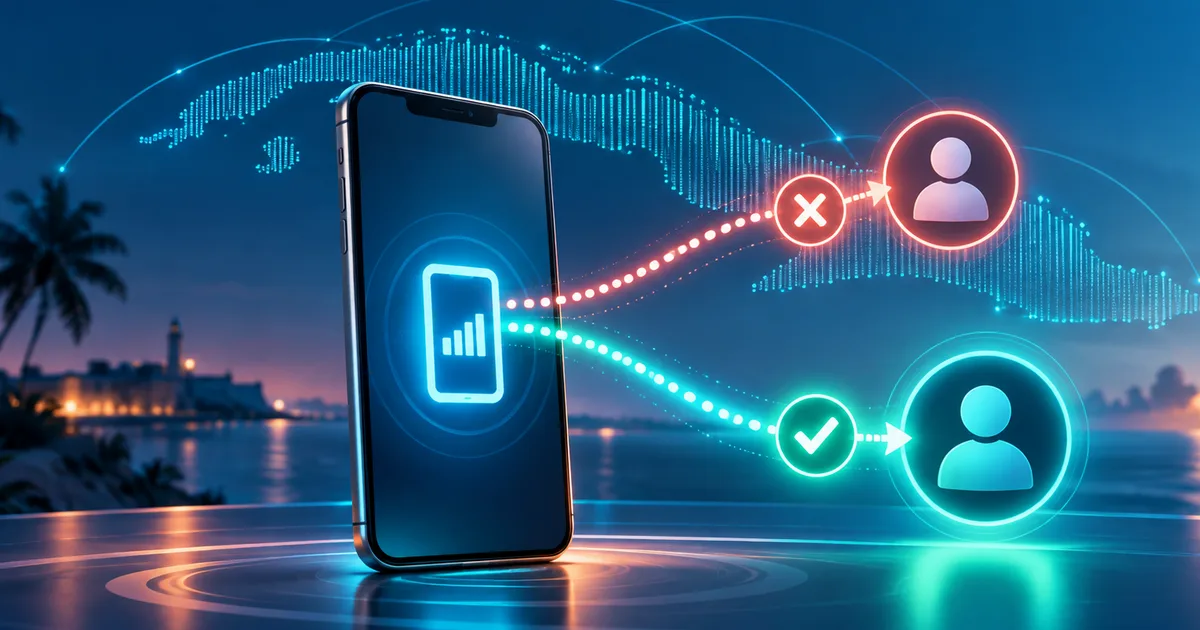
If a Cubacel top-up is rejected before you reach payment, do not change details at random or place several purchase attempts. First confirm the exact number with the recipient, select Cuba and Cubacel, and verify that the line is still active. If those details are correct, save the error message and ask the top-up provider or ETECSA for help before trying again.
What a rejection before payment means
A pre-payment rejection is different from a charged top-up that has not appeared in the balance. In the first situation, the platform stops the transaction before the purchase is completed because it cannot validate the destination as eligible to receive it. In the second, a confirmed transaction exists, so troubleshooting should focus on the order status and delivery.
The distinction prevents you from following the wrong support path. If no payment was confirmed, there is no pending delivery to claim. The goal is to identify which detail is blocking destination validation and change it only when there is clear evidence.
Ding's public help page says that the provider checks the number before charging to make sure the top-up can be delivered. It lists an incorrect number, the wrong operator or country, an inactive line, or an extra digit among the possible causes. That is a useful checklist because it does not assume the number itself is always the problem.
A quick review before trying again
Follow this sequence and stop when you find a mismatch:
- Ask the recipient in Cuba to send the mobile number again. Compare that message with what you entered instead of rebuilding the number from memory.
- Confirm that the selected country is Cuba and the destination is a Cubacel line. Choosing another country or operator can prevent validation even when the digits look correct.
- Check whether a digit was added or removed when the number was copied. Change only a difference that the recipient can verify.
- Ask whether the line is able to receive services and whether it has remained active. Do not confuse an inactive line with a temporary phone or mobile-data interruption.
- Make sure the top-up product actually appears in the provider's current catalog. If no offer is published, do not infer availability from an old promotion, screenshot, or article.
- If everything matches, keep the exact error text, the approximate time, and a screenshot with sensitive details hidden. That evidence will make a support request more useful.
The public Billetaxo catalog checked for this guide displayed Cubacel top-up options. Because the catalog can change, availability should be checked again in the current Billetaxo catalog when you are ready to make a purchase; a screenshot or an earlier promotion is not a substitute for that check.
How to tell whether the line may be the cause
ETECSA states that a permanent mobile line has a life cycle of 330 active days followed by 180 additional inactive days during which it can only receive top-ups. After both periods end, the line is canceled and any unused balance or resources are lost.
That cycle separates two situations. A line in the additional period may be inactive for ordinary use but still eligible for a top-up. A line that has already been canceled cannot be recovered simply by repeating the purchase. Because a top-up provider may validate the destination before charging, the line's status can explain why an operation stops even when the number was entered correctly.
Do not estimate the status only from the date of the last conversation or the last time the phone appeared online. Ask the line holder to confirm its status with ETECSA. No signal, a switched-off phone, or missing mobile data does not by itself prove that the line was canceled.
Diagnostic table
| What you can observe | What to check | Safe next step |
|---|---|---|
| The platform says the number is invalid | Number received, selected country, and operator | Confirm the details with the recipient and fix only a verified mismatch |
| The number is correct but is not accepted | Cubacel line status | Ask the line holder to check the status with ETECSA |
| No top-up option appears | Provider's current catalog | Wait for a published option; do not rely on screenshots or old promotions |
| The error continues with confirmed details | Exact message and time of the attempt | Contact provider support without starting repeated purchases |
| Payment has already been confirmed | Order status and recorded destination | Treat it as a post-payment issue, not a pre-payment rejection |
When to contact the provider and when to contact ETECSA
Contact the top-up provider when the number, country, operator, and line status appear correct but the platform still blocks the transaction. Send the exact error message and explain that the purchase was never confirmed. Do not disclose passwords, access codes, or complete banking information.
Contact ETECSA—or ask the line holder to do so—when there is uncertainty about activation, cancellation, or the line's ability to receive a top-up. A provider can report that it cannot validate the destination, but the mobile operator is the party that can clarify the line's status.
If payment was already confirmed, change the troubleshooting path: review the receipt and order status. Billetaxo warns in its public catalog that an incorrect recipient cannot be edited after payment is confirmed. That makes pre-purchase number verification important, but it does not mean every pre-payment rejection is caused by a typing mistake.
What not to do
- Do not test similar numbers until one passes validation. You could end up topping up another line.
- Do not change the country or operator merely to get past the error screen.
- Do not repeat the operation across several platforms without knowing whether any attempt was charged.
- Do not post screenshots containing the complete number, credentials, or payment details.
- Do not use an expired promotion as evidence. Always check the current catalog.
Final checklist
Before trying again, confirm that you have the number sent directly by the recipient, that you selected Cuba and Cubacel, that no digits are missing or added, that the line is still eligible for top-ups, and that the offer appears in the current catalog. Keep the error without exposing private data.
If every item is confirmed and the top-up is still rejected before payment, the right next step is support, not another improvised attempt. You can consult more mobile top-up guides on the Billetaxo blog, but ETECSA is responsible for confirming the line's status, while the provider displaying the error is responsible for explaining its purchase validation.